Galileo 54
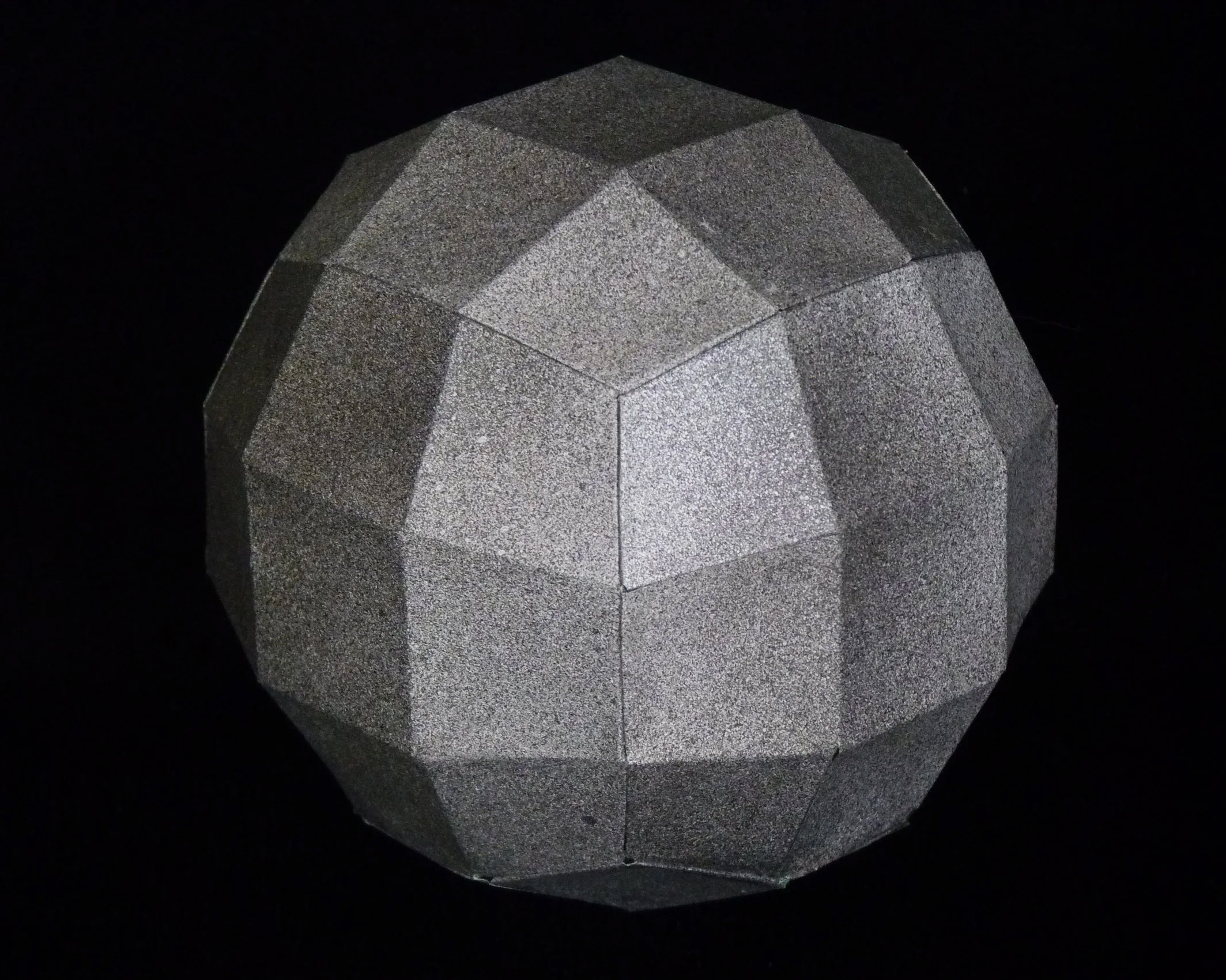
Try the amazing Sphere of Squares (squares plus a few trapezoids and kites). Best satellite in the galaxy.
Project Info
Paper required: 2 sheets 8.5 x 11 inch (or A4)
Finished Project size: 4 inches (10 cm)
Difficulty Level: intermediate
Click button below to get your free printable pattern !
Click button below to get your free printable pattern !
INSTRUCTIONS
STEP 1
Print the pattern onto the two matching paper sheets of your choice.
Read the pattern key included in the General Instructions.
Step 2
Cut out the six parts by cutting on all black lines including along one side of each A-labelled glue flap.
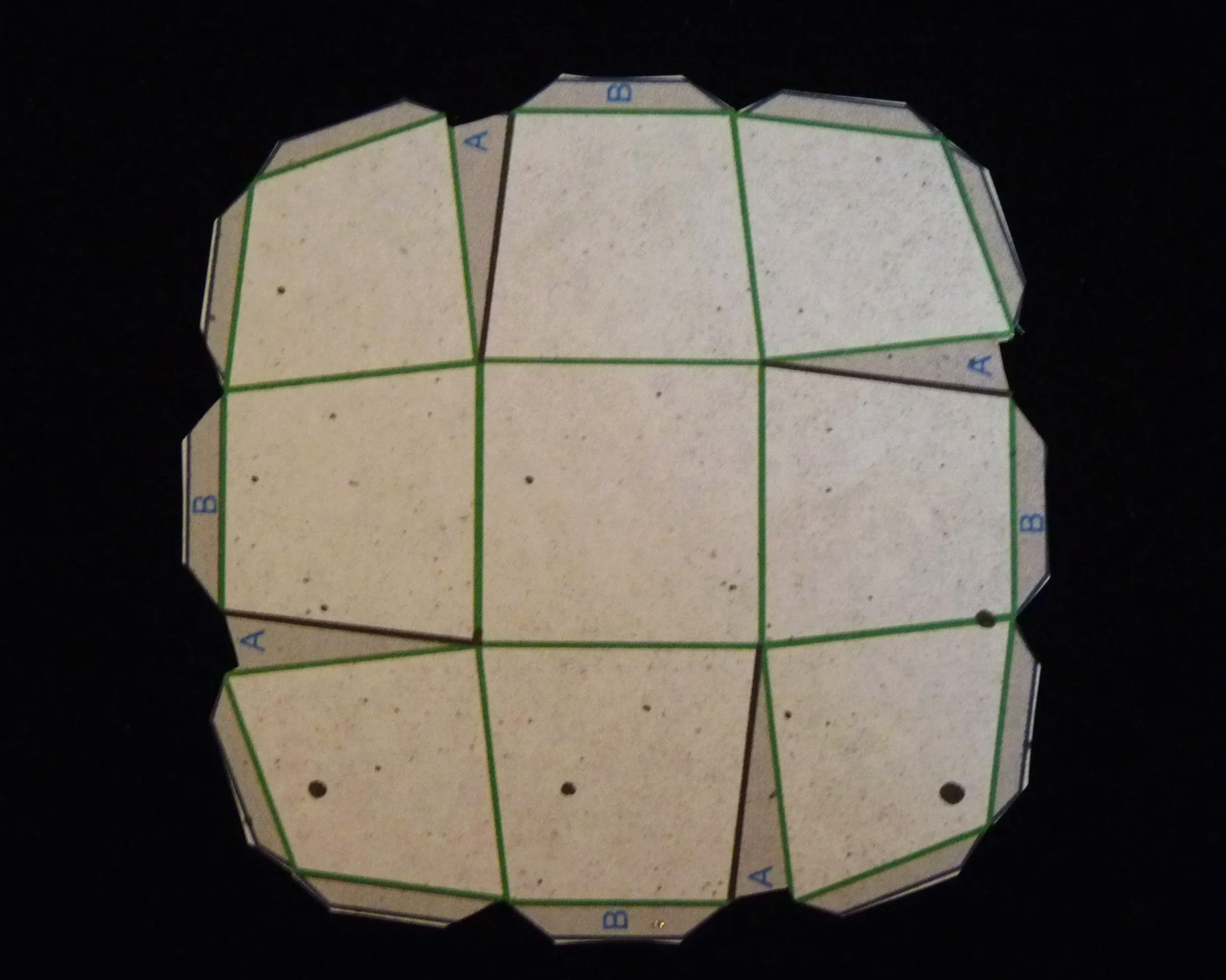
Photo 1. Inside of a Part after Step 2
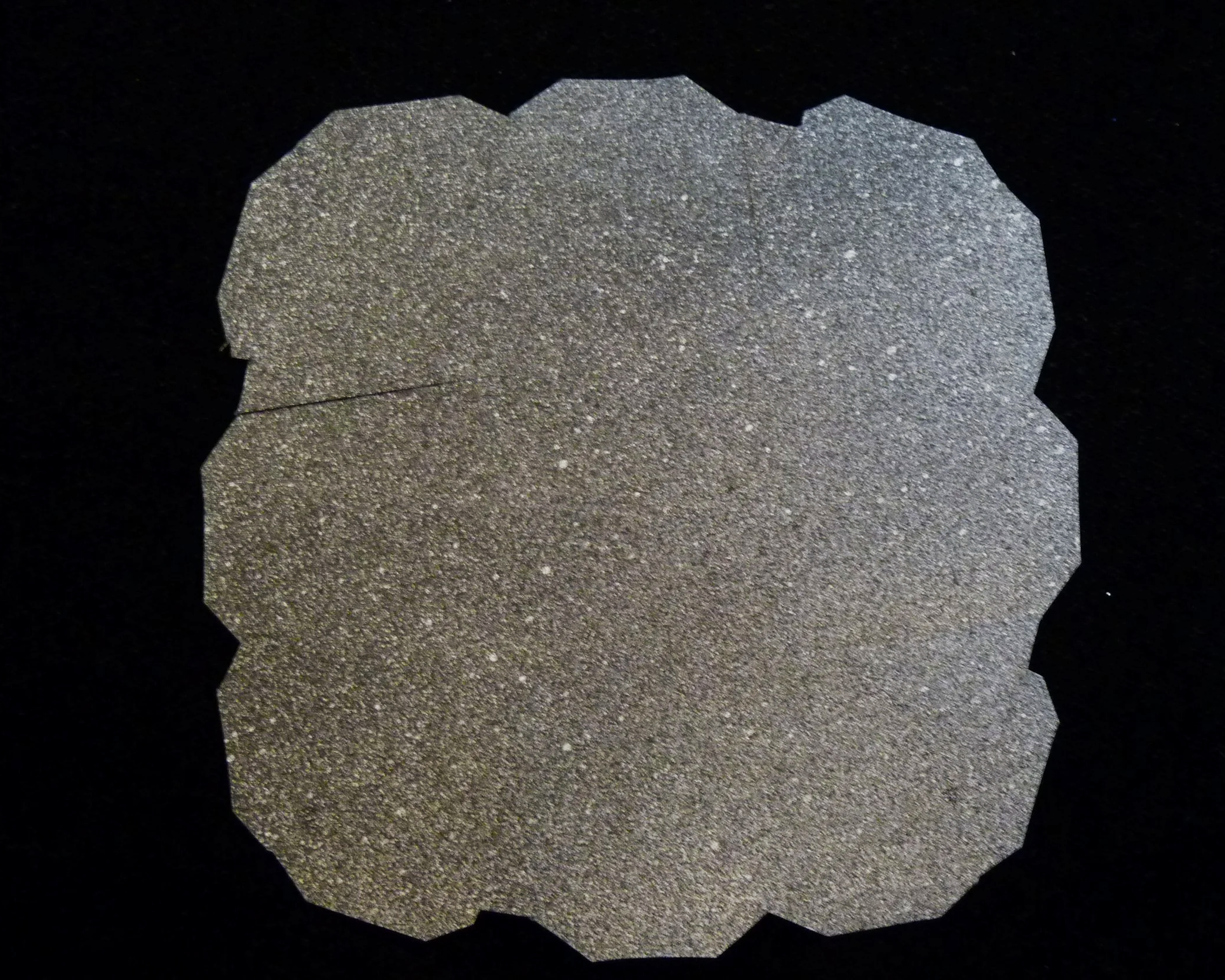
Photo 2. Outside of a Part after Step 2
STEP 3
On all six parts, fold all green lines as valley folds. Next glue each of the four glue Flap A’s to the back of the adjacent trapezoid.
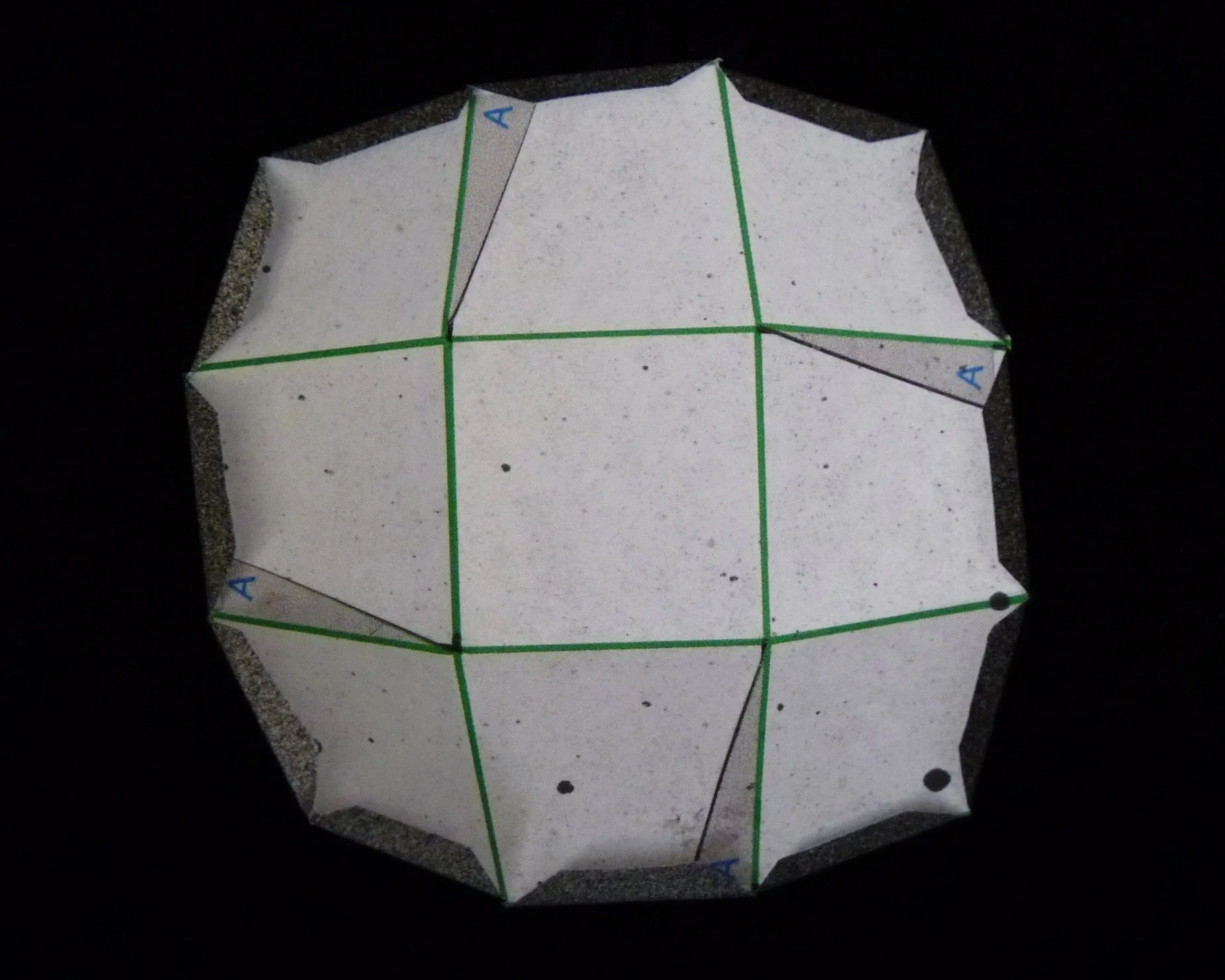
Photo 3. Inside of a Part after Step 3
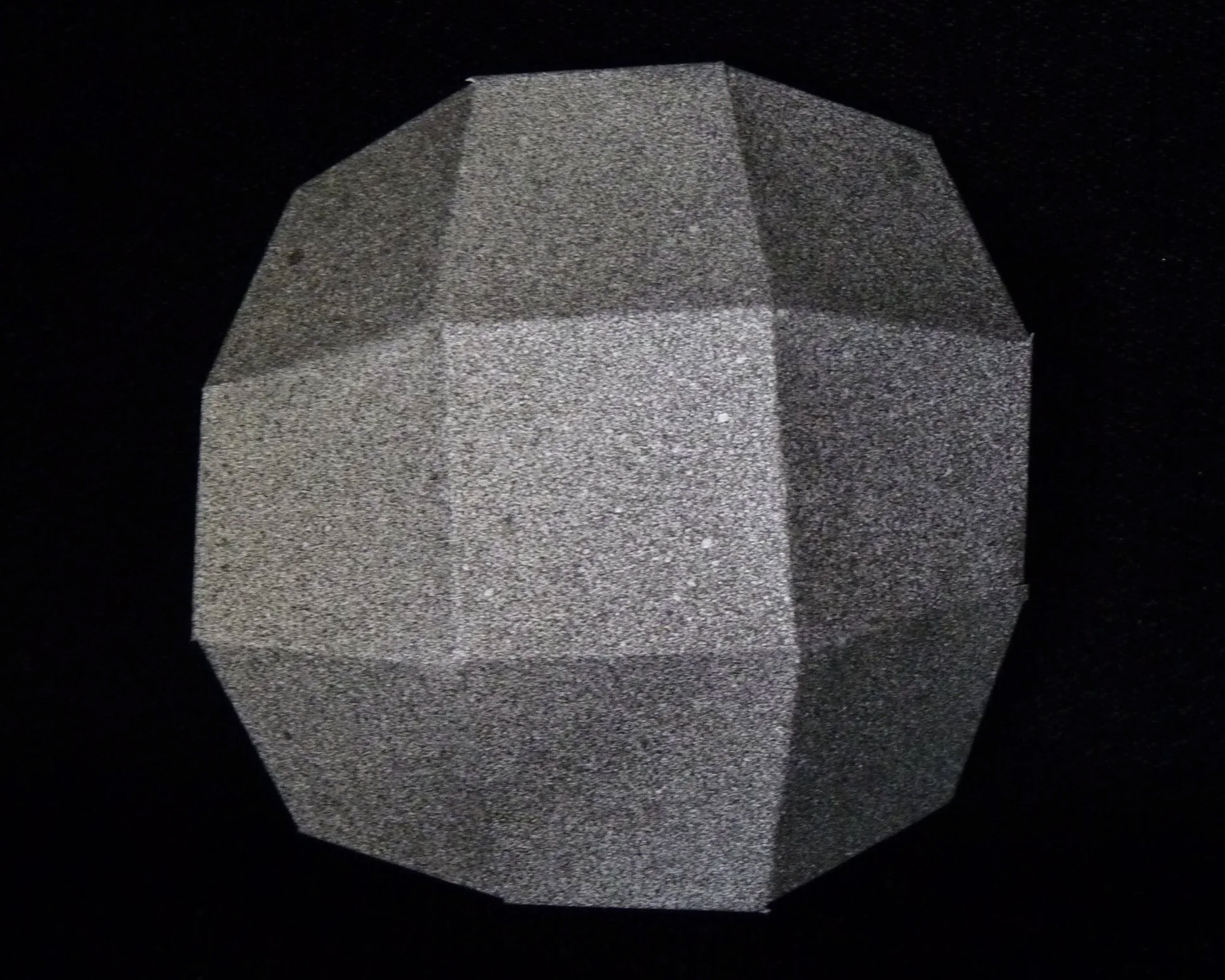
Photo 4. Outside of a Part after Step 3
Step 4
Attach three parts together with a corner of each part meeting at a common point at the center. Use three glue flaps to connect part to each of its neighbors. Glue Flap B is always attached to another Glue Flap B.
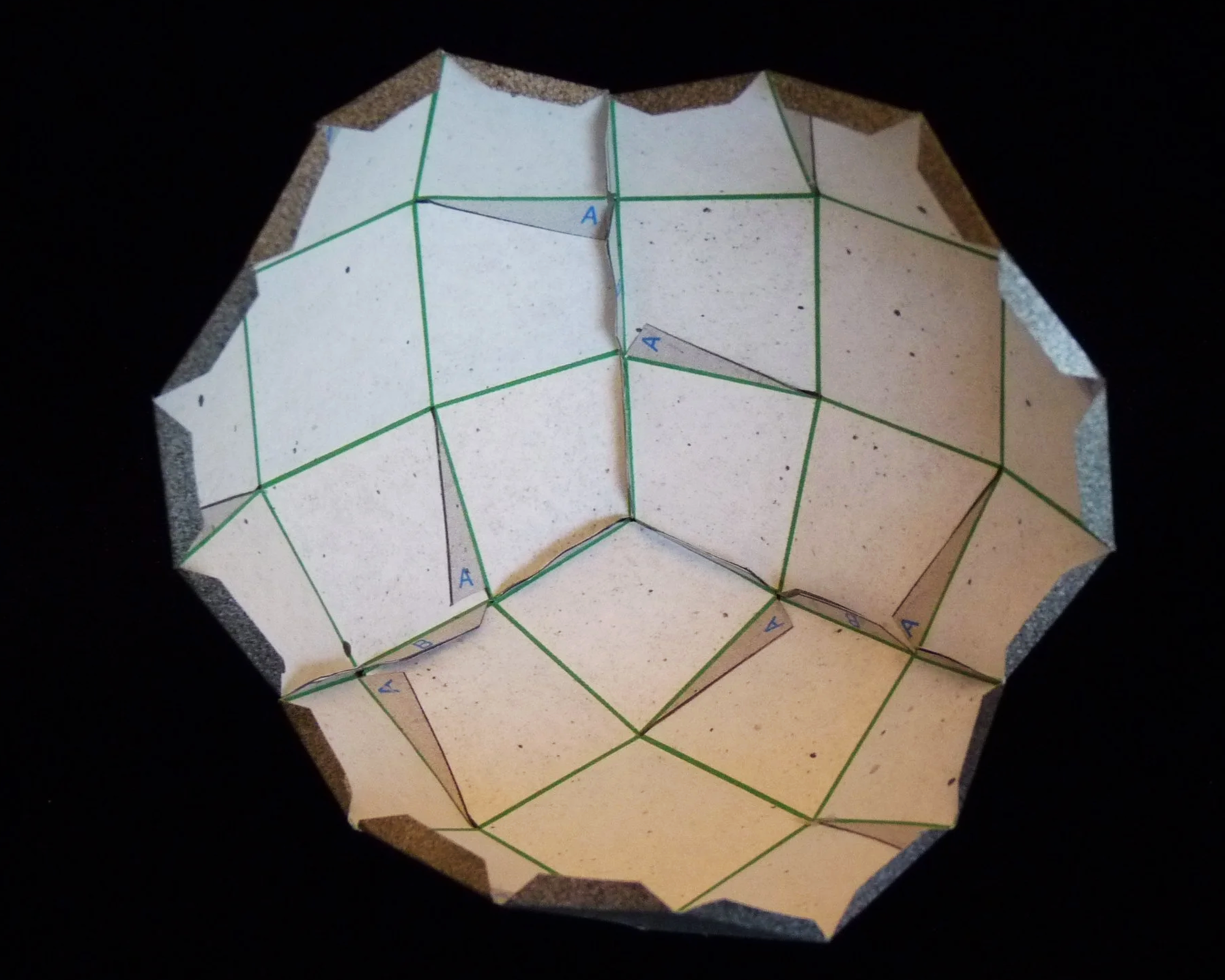
Photo 5. Inside of Project after Step 4
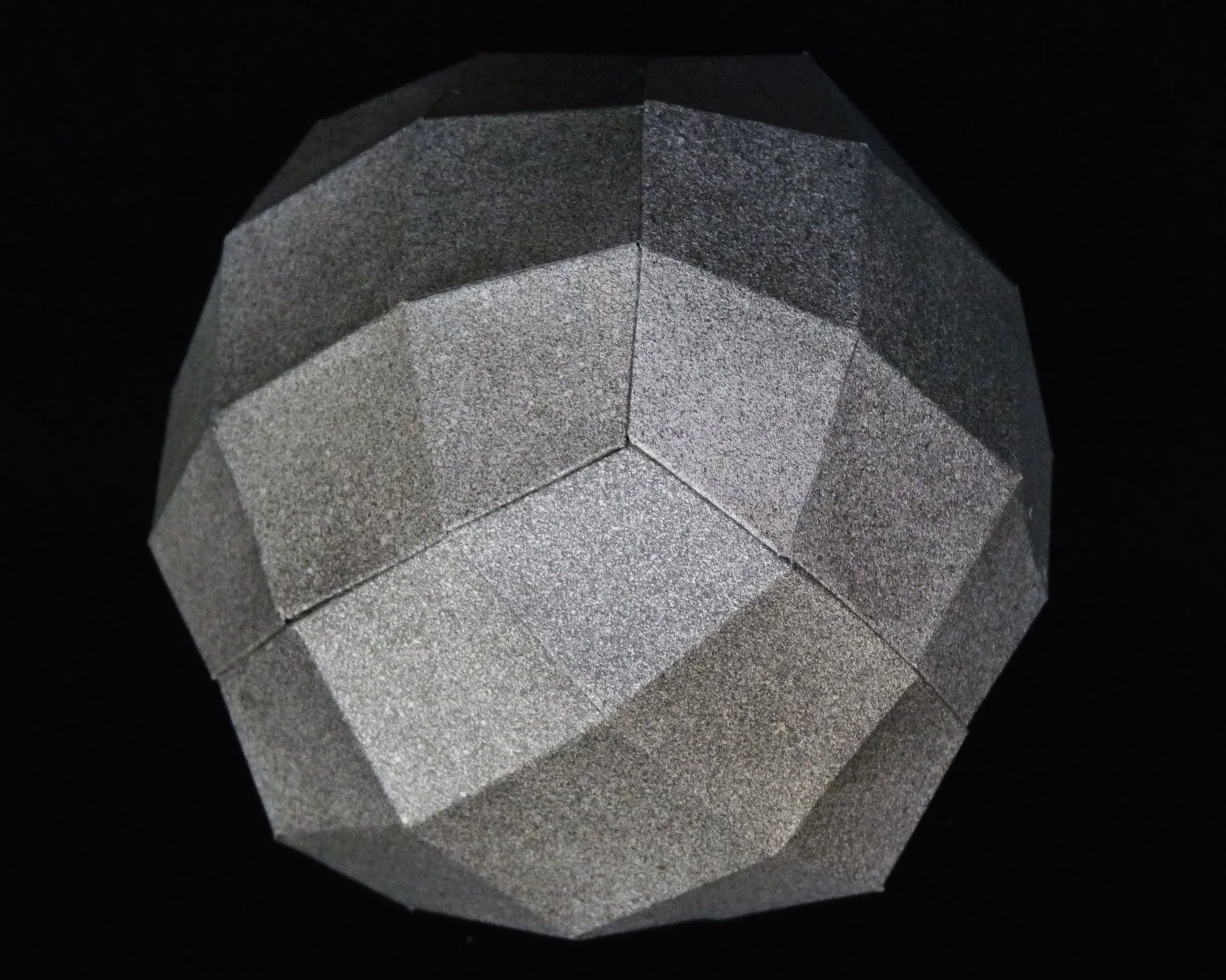
Photo 6. Outside of Project after Step 4
Step 5
Attach fourth part to two parts on assembled project using six glue flaps. Attach fifth part to three parts on assembled project using nine glue flaps. Attach sixth and final part to four parts on the assembled project using twelve glue flaps. As previously, Flap B’s are always glued to another Flap B. I found it useful to use a toothpick to apply the glue to the final few flaps.
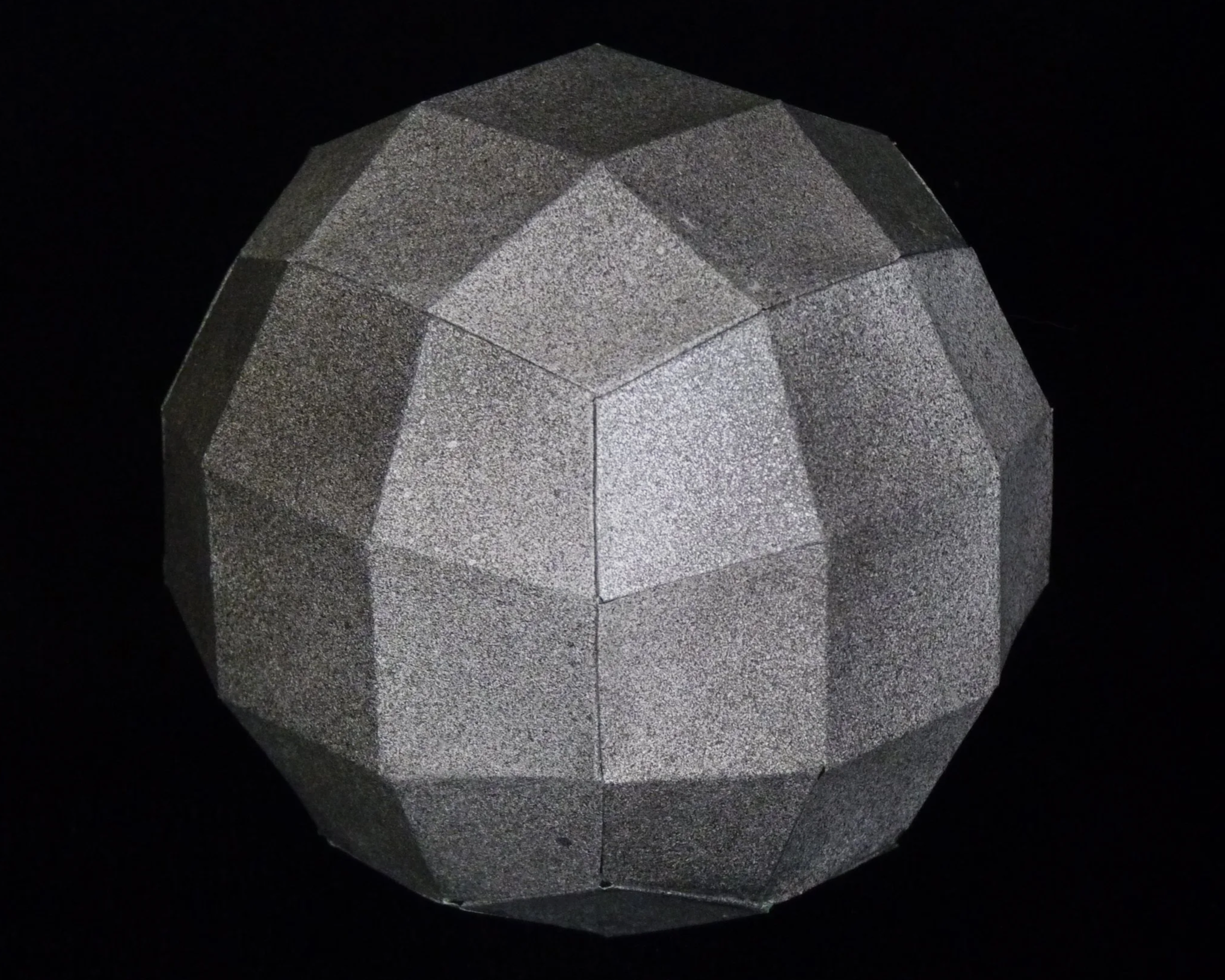
Photo 7. Completed Galileo 54 - View 1
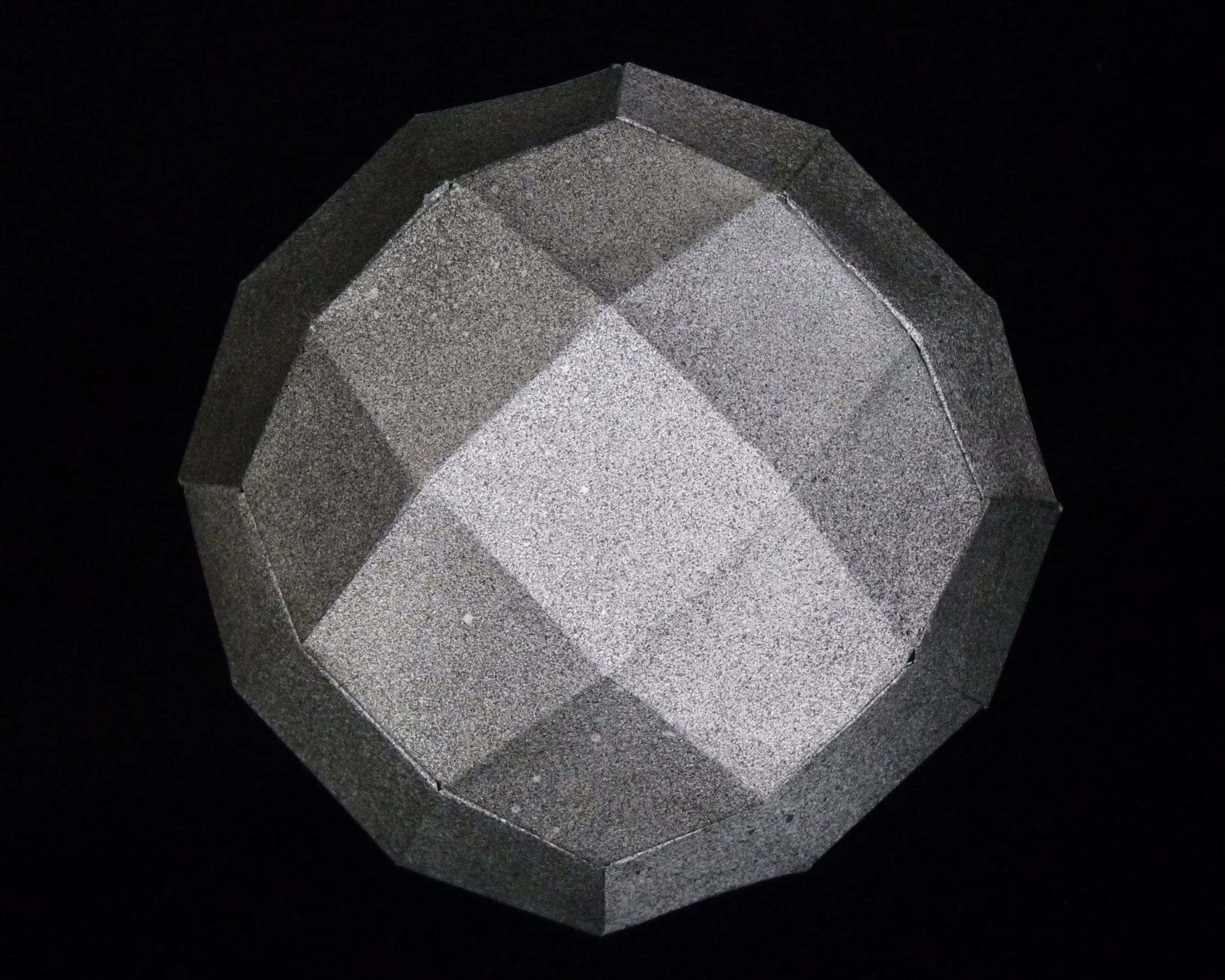
Photo 8. Completed Galileo 54 - View 2